Arattai App Review 2025 : Arattai is India’s own messaging app with chat, calls, and secure sharing. Learn features, download steps, and why it’s a strong WhatsApp alternative.
What is Arattai?
Imagine an app that does everything WhatsApp, Telegram or Signal do — chat, audio/video calls, sharing photos, documents — but it’s Indian, built for privacy and with features you’ll actually like. That’s Arattai. It’s a cross-platform messaging app made by Zoho. (Zoho)
In simple words, Arattai is a way for you to talk (text or voice), call, send files and media, all in one place.
Why Arattai matters
You may wonder — “We already have many chat apps. Why another one?” Here are some reasons people are giving it attention:
- Made in India, for India: Because it’s developed by an Indian company (Zoho), it’s built understanding local needs, such as low network speed, privacy concerns, compatibility with many devices.
- Privacy & encryption: Arattai says it uses end-to-end encryption so that messages are private between sender and receiver.
- Cross-platform support: You can use it on Android, iOS, desktops, web — your conversations sync across devices.
- Rich features: Beyond just texts, you can send voice notes, video calls, images, documents, stories, etc.
- Integration with Zoho ecosystem: If you use Zoho’s other apps (for business, productivity), there is some linking or integration (e.g. Arattai and Zoho Cliq).
Also Read : Google gemini photo editing Prompts
So it’s not just another copy — it tries to combine usability, privacy, and local understanding.
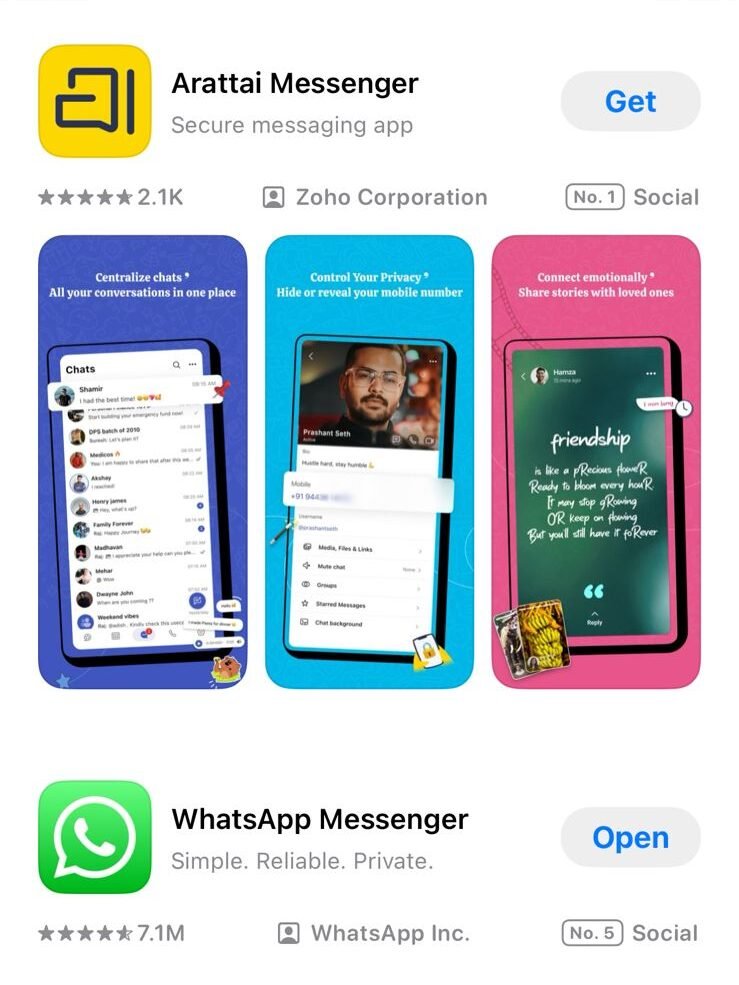
Arattai App Review 2025 : Key Features You Should Know
Let’s break down the main features in a way you (a 10th standard student) can understand:
1. Chat & Voice Notes
Just type your message and send. You can also record your voice and send it. This is useful if you’re lazy to type or you want to express tone.
2. Audio/Video Calls
Want to see your friend while talking? Or just voice call when video data is too much? Arattai supports both.
3. Media & File Sharing
You can share photos, videos, documents (PDFs, Word files), etc. With Arattai, you don’t have to switch apps.
4. Stories & Status
You can post “stories” (like on Instagram or WhatsApp) so your friends see what you’re doing.
5. Multiple Devices & Sync
Use Arattai on your phone, and also on computer or tablet. Messages sync. So you don’t lose your chat if you switch devices.
6. Encryption & Security
The app claims that only you and the person you talk with can see your messages (end-to-end encryption). This means even Arattai’s servers can’t read your chats.
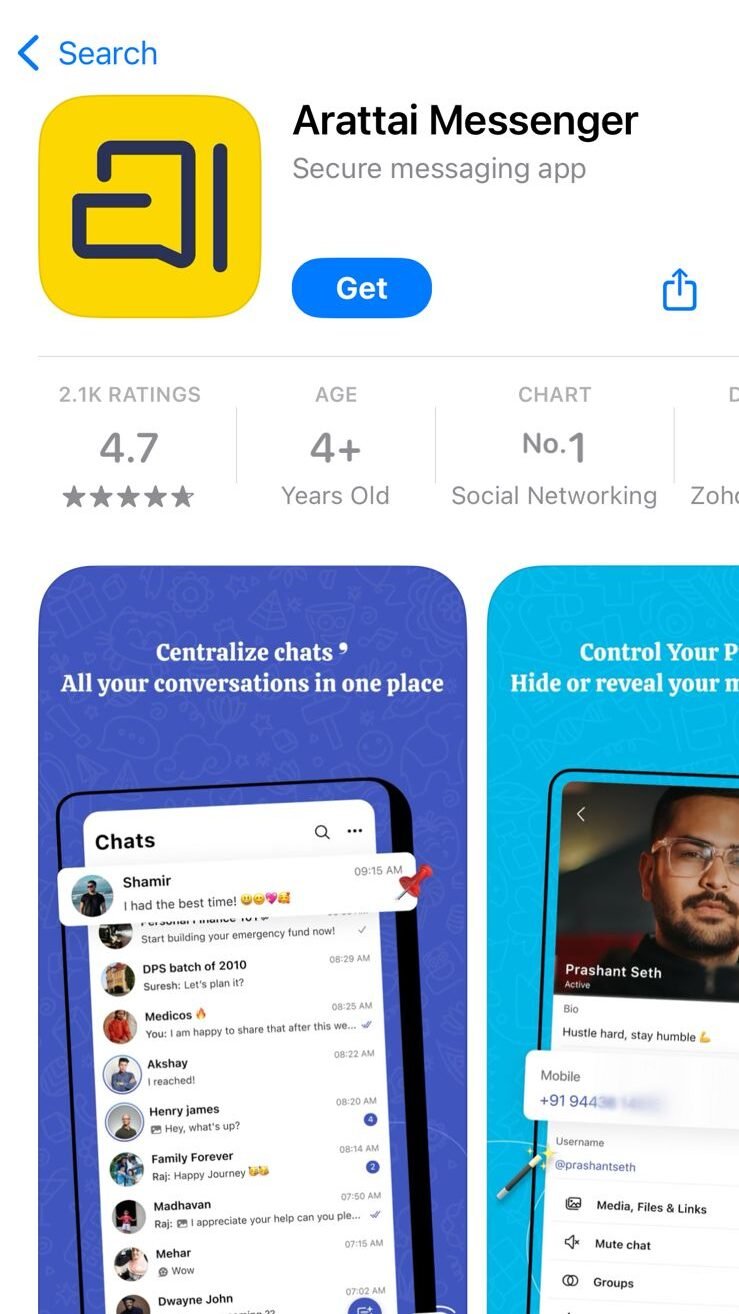
How to Get Started
Here’s how you can begin using Arattai:
- Download & Install
Get it from Play Store (Android) or App Store (iOS). There’s also a desktop version (Windows, Mac, Linux). - Register / Sign Up
Usually with your phone number. - Sync Contacts
The app will ask to access contacts so you can see who else is using Arattai. - Start Chatting or Calling
Just pick a contact, send message, make call, whatever you want. - Use Across Devices
Log in also on PC or web version, so your chats carry over.
Good Things & Some Limitations
Pros
- Designed for local needs: In Indian context, network is not always strong; small file sizes, efficient networking, etc., help.
- Privacy emphasis: For many, data security is a big deal. Arattai promises strong security.
- Feature rich: It’s not just “chat only” — many built-in features.
- Works across devices: You won’t get stuck to only your phone.
Cons / Things to Watch
- Adoption & user base: If your friends don’t use it, chat won’t make sense. The more people use it, the better.
- Call quality & connection: In reviews, some say voice/video calls are good; others mention occasional connection issues. (Google Play)
- Feature maturity: It’s newer than big apps, so some advanced features (like super group admin control, bots, huge file sizes) may still need improvement.
- Trust & reputation: Users might hesitate initially because “new app = unknown trust”.
Why Students Should Try It
As a student, you might find Arattai especially interesting:
- You can share class notes (docs, PDFs) with friends easily.
- Use voice notes when typing is tedious.
- Do video calls for group studies without needing multiple apps.
- You learn about privacy and secure communication from young.
- If it becomes popular among students, you will already be using it.
Arattai vs Other Apps: What’s Different?
| Feature | Arattai | WhatsApp / Telegram / Signal etc. |
|---|---|---|
| Indian origin | ✅ | Usually international |
| End-to-end encryption | ✅ | Some offer it (Signal, WhatsApp) |
| Multiple devices with sync | ✅ | WhatsApp recently improved this; others vary |
| Integration with Zoho apps | ✅ | Not generally |
| User base & maturity | Growing | Very large & mature |
So, Arattai’s edge is local focus, integration with Indian ecosystem and Zoho, and solid promise on privacy. But it still needs more users and feature polish.
Tips to Use Arattai Well
- Always keep app updated — security patches matter.
- Use strong lock or PIN so no one else opens your chats.
- Back up chats if app allows (so you don’t lose them).
- Encourage friends to join — chat is useful only when many use it.
- Check privacy settings — decide who can see your status, who can call, etc.
The Future of Arattai
I think if Arattai continues improving — better call quality, more features like bots, large group support, etc. — it can become a serious alternative to big chat apps in India. Because many people already care about data privacy.
If more students, schools, and local communities adopt it, its network effect will grow.
Seedream4.0 VS Nano Banan Whis is better for image generation AI
Interessante. Imagens IA: Nano Banana 2 /. Nano Banana 2
This answered my questions. Also recommend Luna Lisa Alpha: for image generate plus instruction edits.. Luna Lisa Alpha
مقال رائع! تحرير PPTX في المتصفح: PPTOnline — /. PPTOnline